Troubleshooting High Energy Costs in Palletizers

High energy cost in palletizers usually stems from inefficient drive settings, mechanical friction, or extended idle times. This guide lists common symptoms and fixes to reduce power draw. It also covers prevention tips to protect your operating budget.
- Inspect servo drive parameters to ensure torque limits match the actual pallet load.
- Check mechanical components like belts and bearings for excessive friction that increases power draw.
- Reduce idle energy consumption by adjusting machine sleep modes and air pressure settings.
- Use utility data to compare actual power usage against the machine's rated capacity.
- Implement regular preventive maintenance to keep energy efficiency stable over time.
Why is my palletizer drawing more power than expected?
A sudden spike in electricity usage on a palletizing line rarely comes from a single fault. It usually results from a combination of drive inefficiency, mechanical drag, and software logic errors. Operators often notice the increase first through rising utility bills or alarms on the local energy monitoring system.
The most common root causes involve the servo drives, the pallet forming mechanism, and the robot or arm assembly. If the palletizer is running at a constant high speed but producing fewer finished cases, the energy per unit of product is higher. If the machine is idling while powered on, standby power adds to the total.
Start by checking the machine’s current draw against the nameplate rating. If the current exceeds the rated value, you have a mechanical or electrical fault. If it is below the rated value but energy is still high, the issue is likely in the cycle time or idle duration. This distinction guides the next steps in the troubleshooting process.
When a line runs above its design speed to meet a throughput target, the peak current draw increases. Motors are not linear. Doubling the speed does not double the power consumption. The relationship is more complex due to mechanical friction and aerodynamic drag. If you increased the cycle speed to compensate for a slow upstream feeder, the drives may now be operating in a region where efficiency drops. Check the speed settings against the original machine specifications before making adjustments.
Idle time is a hidden drain. A palletizer that sits for ten minutes between batches while the servos remain energized can consume a significant amount of power. This is especially true if the air compressor is not controlled by the machine’s PLC. The compressor may run continuously to maintain line pressure, even when no air is being used. This constant background load raises the baseline energy consumption regardless of production activity.
What are the common symptoms of high energy consumption?
Before diving into repairs, document what you see on the machine. Specific symptoms point to specific subsystems.
- High amperage during pick-and-place. The robot arm or pick module draws excessive current when lifting the load.
- Prolonged idle times. The machine waits for input, but the servos remain active or the air compressor keeps running.
- Slower cycle times. The palletizer takes longer to complete a cycle, increasing the energy used per pallet.
- Frequent resets or alarms. The drive system may be overheating or hitting torque limits, causing resets that restart the power draw cycle.
- Unusual noise or heat. Motors or bearings generating heat indicate friction or misalignment, which converts electrical energy into waste heat.
High amperage during the pick phase often indicates a mechanical binding issue. If the gripper fingers are misaligned or the vacuum cups are not seating properly on the case, the motor must work harder to lift the load. Check the gripper mechanism for debris or wear. A worn spring in the gripper assembly can also cause the fingers to not close fully, requiring more torque to engage the load.
Prolonged idle times are frequent in lines with intermittent demand. If the upstream case eroder is slow or if the palletizer is waiting for a new pallet to be loaded, the machine may sit in a waiting state. During this time, the servos may hold position, drawing current to maintain the robot’s location. The air compressor may also run continuously if the pressure regulator is set too low or if there is a leak in the air lines.
Slower cycle times increase the energy used per pallet. If a palletizer that used to complete a cycle in three seconds now takes four seconds, the energy per pallet increases by roughly 33 percent. This can happen due to worn bearings, software delays, or mechanical friction. Check the cycle time logs if your PLC records this data. A gradual increase in cycle time over months often points to mechanical wear.
Frequent resets or alarms indicate that the drive system is reaching its limits. If the torque limit is hit, the drive may shut down to protect the motor. This causes a reset, and the power draw cycle restarts. Each reset adds to the total energy consumption. Check the alarm history to identify the specific fault codes.
Unusual noise or heat is a clear sign of mechanical problems. Bearings that are not properly lubricated or are worn will generate heat. This heat increases friction, which increases the power draw. Check the temperature of the motors and bearings with an infrared thermometer if available. Hot spots indicate a problem.
How to diagnose the primary causes
The following table maps the most common symptoms to their likely mechanical or electrical causes and the corresponding actions. Use this as a checklist during your inspection.
| Symptom | Likely cause | What to do |
|---|---|---|
| High amperage during pick | Worn belt or misaligned pulley | Inspect belt tension and alignment. Lubricate or replace worn parts. |
| High amperage during pick | Servo torque limit too high | Reduce torque limit in the drive parameters to match actual load. |
| Prolonged idle | Air compressor running continuously | Check air pressure regulator. Set lower idle pressure or shut off air. |
| Prolonged idle | Servos not in safe hold | Enable servo safe hold or sleep mode in the PLC program. |
| Slower cycle times | Worn bearings or rollers | Inspect pallet table rollers. Replace worn bearings to reduce friction. |
| Slower cycle times | Software delay in motion | Review PLC timing. Remove unnecessary dwell times in the motion program. |
What to check in the drive system
The servo drives are the heart of the palletizer’s energy consumption. They convert electrical energy into precise motion. If the parameters are set incorrectly, the drives waste power.
First, verify the torque limits. If the torque limit is set higher than the maximum load the robot can pick, the drive may draw more current than necessary. Check the load percentage on the drive display during a typical cycle. If the load is consistently below 50%, you may be able to lower the torque limit without sacrificing performance. A torque limit that is too high does not necessarily cause high power consumption, but it can lead to the drive staying in a state where it is ready to deliver high torque, which may keep the current draw higher than needed.
Next, check the acceleration and deceleration profiles. Fast acceleration requires high current. If the palletizer does not need to move quickly, reduce the acceleration rate. This lowers the peak current draw and reduces stress on the motors. Acceleration profiles that are too aggressive can cause the robot to overshoot its target position, requiring additional braking energy. This wasted energy is dissipated as heat in the brakes or the drive.
Also inspect the wiring. Loose or corroded connections increase resistance, which generates heat and consumes more power. Check the motor cables and terminal blocks. Tighten any loose screws and clean any corrosion. Look for signs of heat damage on the insulation. Discolored wires or melted plastic are clear indicators of poor connections.
Check the encoder feedback. If the encoder is dirty or failing, the drive may struggle to maintain position accuracy. This can cause the motor to work harder than necessary. Clean the encoder lens if accessible. If the encoder is failing, replace it. A faulty encoder can cause the drive to think the motor is not where it should be, leading to unnecessary torque application.
How to reduce idle energy consumption
Many palletizers draw significant power when they are not actively palletizing. This “standby” energy adds up over a shift.
Check the air supply. The palletizer uses compressed air for grippers, pallet formation, and possibly the robot. If the air compressor runs continuously, the energy cost is high. Verify the air pressure regulator. Set the pressure to the minimum required for the machine to function. If the machine is idle for extended periods, shut off the air supply to the palletizer. Install a timer or a pressure switch that cuts the air when the machine is not running.
Next, look at the servo drives. Many drives have a “safe hold” or “sleep” mode. In this mode, the motors stop drawing current. Enable this mode in the PLC program. Set a timer so the machine enters safe hold after a certain number of seconds of inactivity. This is especially useful during changeovers or when the line is stopped for maintenance.
Also check the lighting and control panels. LED lights are efficient, but leaving them on in dark areas wastes energy. Use motion sensors or timers for local lighting. Ensure that the control panel is not drawing power when the line is off. Some control panels have a standby mode that reduces power consumption.
Check the hydraulic system if applicable. Some palletizers use hydraulic power for pallet formation. If the hydraulic pump runs continuously, it wastes energy. Look for a pump control that stops the pump when the system is idle.
Prevention tips to keep energy costs low
Preventive maintenance is the best way to keep energy consumption stable.
- Inspect belts and rollers every quarter. Worn belts slip, causing the motor to work harder. Worn rollers increase friction on the pallet table.
- Check air pressure monthly. A leaking air line or a stuck regulator can waste compressed air.
- Review drive parameters after any software update. A new PLC program may have different default values for acceleration or torque. Verify these match the machine’s physical limits.
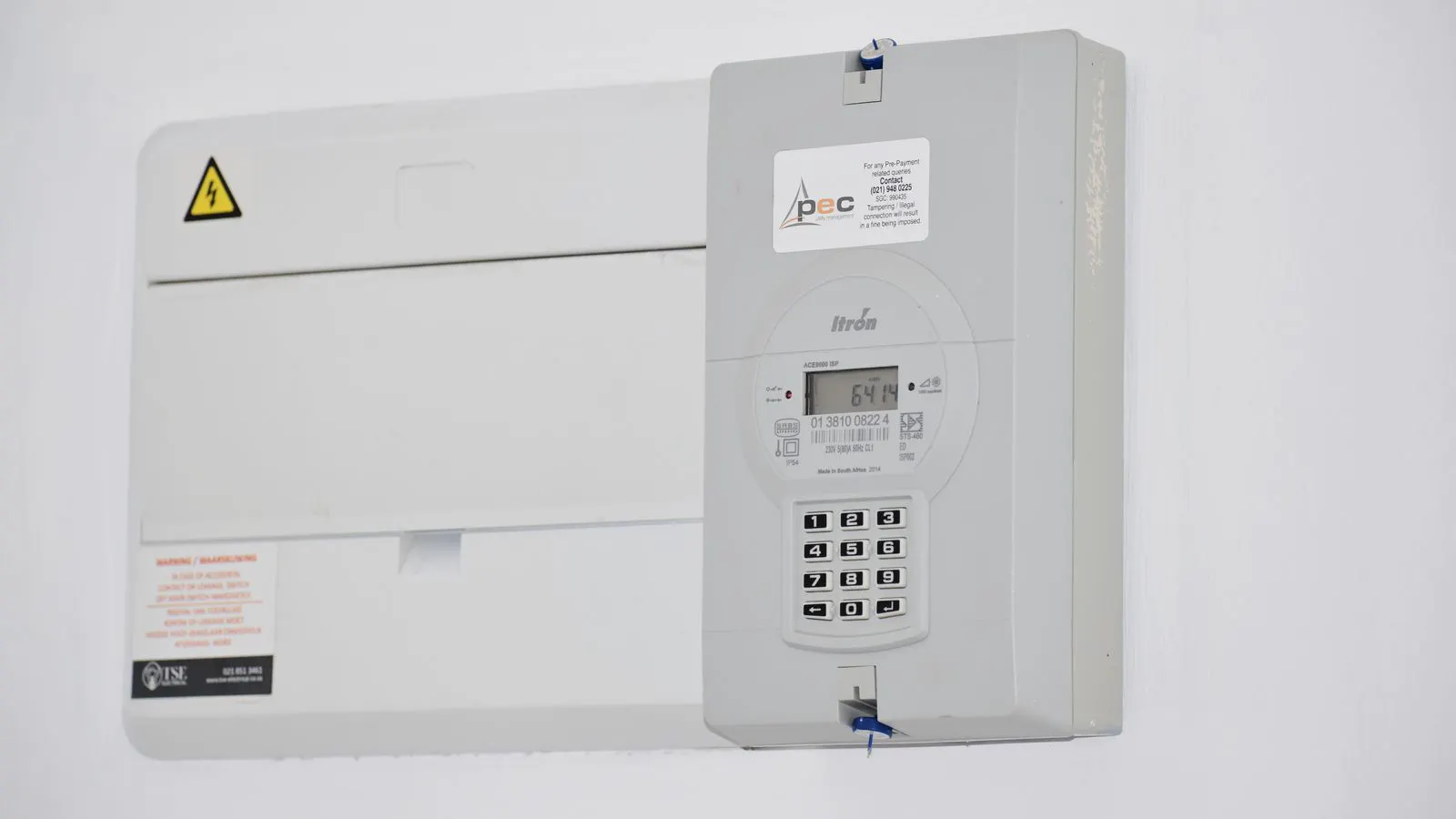
- Monitor energy data weekly. Use the utility meter or the machine’s built-in energy monitor. Track the energy per pallet. A sudden increase is an early warning sign.
- Keep motors and bearings clean. Dust and debris increase friction and heat. Use a dry brush or compressed air to clean the motors and bearings.
Inspect belts and rollers every quarter. Worn belts slip, causing the motor to work harder. Worn rollers increase friction on the pallet table. Look for signs of wear, such as fraying on the belt or flat spots on the rollers. Replace parts before they fail completely.
Check air pressure monthly. A leaking air line or a stuck regulator can waste compressed air. Listen for hissing sounds. Check the pressure gauge. If the pressure is lower than expected, check for leaks. A leak can waste a significant amount of energy over time.
Review drive parameters after any software update. A new PLC program may have different default values for acceleration or torque. Verify these match the machine’s physical limits. If the new program sets the acceleration too high, the power draw will increase. Check the parameters after any change.
Monitor energy data weekly. Use the utility meter or the machine’s built-in energy monitor. Track the energy per pallet. A sudden increase is an early warning sign. If the energy per pallet rises by 10 percent or more, investigate the cause.
Keep motors and bearings clean. Dust and debris increase friction and heat. Use a dry brush or compressed air to clean the motors and bearings. Avoid using water or wet wipes on electrical components.
How to validate the fix
After making adjustments, measure the results. Do not rely on assumptions.
- Record the baseline energy consumption. Note the kilowatt-hours used during a standard production run.
- Make the changes. Adjust drive parameters, fix mechanical issues, or enable sleep modes.
- Run the machine for a full shift. Keep the production rate and product mix the same.
- Record the new energy consumption. Compare it to the baseline.
- Calculate the savings. A small reduction in energy per pallet adds up over the year.
If the energy cost has not dropped, return to the symptoms list. Check for other factors. Maybe the palletizer is running with an older, less efficient software version. Maybe the power supply is degrading. In those cases, consult the machine manual or contact the manufacturer for specific parameter recommendations.
Final thoughts on operating cost
Energy is one of the biggest operating costs for a palletizer. It is also one of the easiest to control. You do not need to buy new equipment. You need to understand how the machine uses power.
Check the drives. Check the mechanical parts. Check the idle modes. These three areas account for most of the energy waste. Fixing them will lower your energy cost and improve your return on investment. Keep the data. Track the numbers. Make small adjustments. The results will be visible in your utility bill.
Frequently asked questions
Can I reduce energy cost by running the palletizer slower?
Yes. Running the palletizer at a lower speed reduces the energy used per cycle. However, it may lower your production rate. Find the speed that balances energy use and output.
How do I know if my servo drive parameters are correct?
Check the load percentage on the drive display. If it is consistently low, you can lower the torque limit. If it is near 100%, the drive is working too hard.
Is it safe to turn off the air supply during idle?
Yes, if the machine has a safe hold mode. Turning off the air stops the grippers and other pneumatic components from using power. Ensure the machine is in a safe state before doing this.
How often should I check the energy data?
Weekly is a good starting point. Track the energy per pallet. A sudden increase is an early warning sign.
Can I save energy by upgrading the power supply?
A newer power supply may be more efficient. However, check if your current supply is within specifications. Upgrading is a larger investment. Focus on operational changes first.