Outlook: Digital Twin for Palletizer Simulation
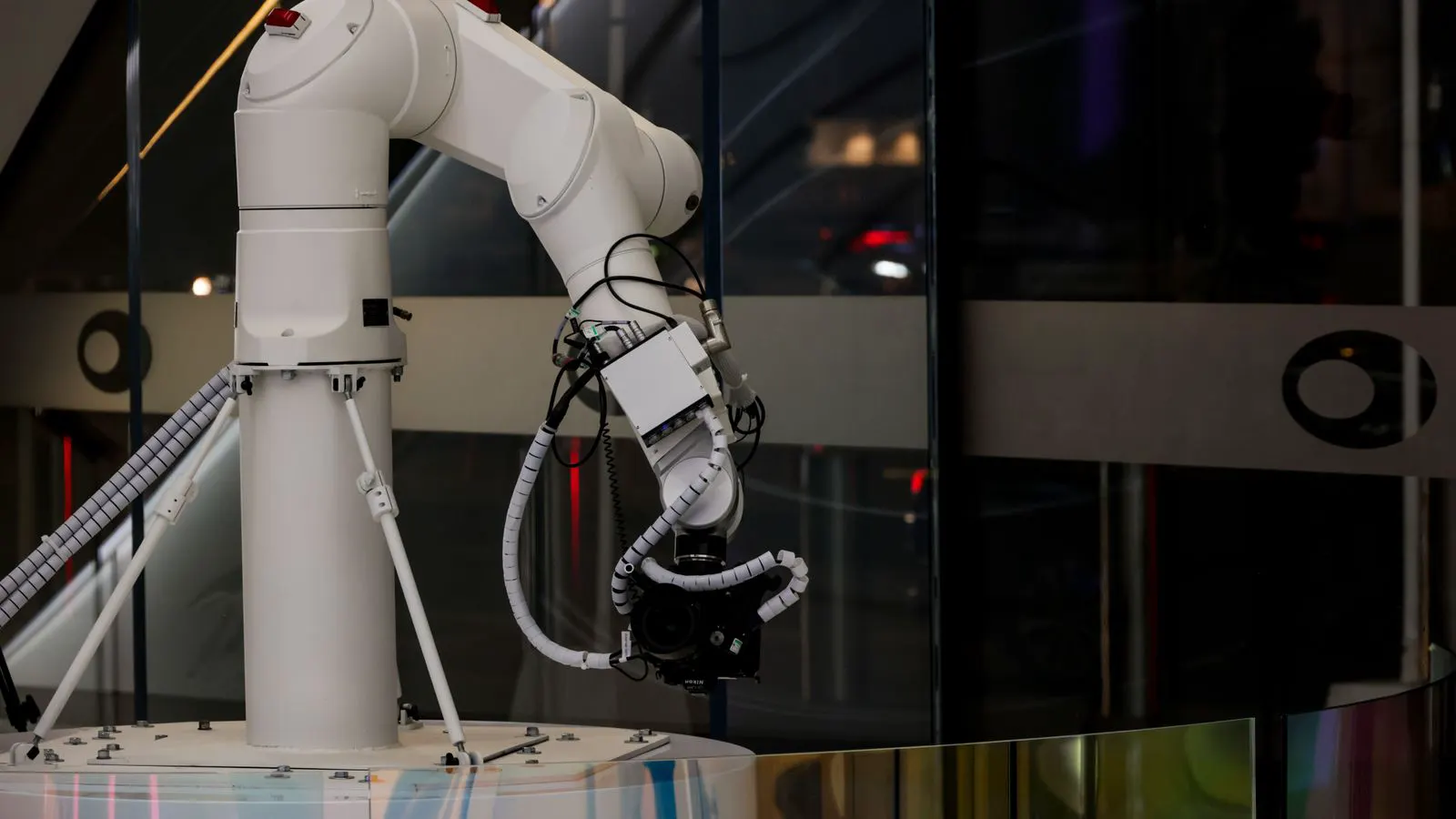
Palletizer simulation creates a virtual replica of the physical line to test layouts, cycle times, and error handling before installation. This approach reduces commissioning time and helps teams identify integration issues early, leading to a smoother rollout of end-of-line packaging systems.
- Digital twin modeling allows teams to validate palletizer layouts and cycle times before steel erection and electrical wiring.
- Virtual commissioning reduces the need for on-site troubleshooting by catching integration errors in the simulation phase.
- Accurate 3D data of the production line is the single most important input for a reliable palletizer simulation.
- Teams should plan for iterative refinement, where simulation results feed back into physical design changes.
- Combining simulation with standard operating procedures helps train operators before the machine goes live.
Palletizer simulation moves the integration process from the factory floor into a virtual environment. Instead of waiting for the machine to arrive and the line to be assembled, engineers test the system against a digital model. This method helps identify clashes in the layout, timing mismatches, and ergonomic issues before any hardware is installed. For end-of-line systems, where space is often tight and downtime is costly, this shift in workflow has real practical value.
What Does a Digital Twin Actually Model?
A digital twin is not just a 3D picture of a machine. It is a functional model that replicates the logic and behavior of the physical system. In the context of palletizer simulation, the model includes the robot trajectory, the load unit dimensions, the pallet stack pattern, and the communication signals between the robot and the conveyor.
The quality of the simulation depends entirely on the input data. If the model uses generic case sizes, the cycle time output will be wrong. Teams need to provide exact dimensions for the product, the case, and the pallet. They also need to define the weight limits, the stacking rules, and the speed of the infeed conveyor. Without this data, the simulation becomes a rough guess rather than a planning tool.
The model must also account for the physical constraints of the site. Ceiling height, aisle width, and the position of the control cabinet all matter. A palletizer that fits in the datasheet might not fit in the actual bay if the door swing is blocked. The digital twin catches these spatial conflicts early.
How Simulation Reduces Commissioning Risk
Traditional commissioning often feels like a series of surprises. The robot arrives, the integrator sets up the I/O, and then the team discovers that the robot hits a pipe when it reaches the end of its travel. Or the conveyor speed is too fast, and the robot cannot pick up the next case in time.
Palletizer simulation allows the team to run these scenarios virtually. They can simulate a high-speed infeed and watch the robot’s picking logic respond. They can change the case orientation and see if the stack pattern remains stable. By finding these issues in the software, the team can adjust the parameters without touching the physical line. This reduces the number of on-site visits needed to get the system running.
Virtual commissioning also helps with safety. Safety zones, light curtains, and emergency stop logic can be mapped in the simulation. Engineers can verify that the robot stops correctly when a person enters the guarded area. This creates a safer baseline for the physical installation.
Key Inputs for an Accurate Model
The accuracy of a palletizer simulation is only as good as the data behind it. Teams often underestimate the time required to prepare this data. It is not just about CAD files. It is about understanding the process.
The following table outlines the critical data points needed for a reliable model.
| Data Category | Specific Inputs | Why It Matters |
|---|---|---|
| Product Geometry | Case length, width, height, weight | Determines stack stability and robot reach |
| Pallet Specs | Pallet dimensions, board spacing, weight | Defines the loading area and stack height limits |
| Conveyor Data | Speed, width, belt type, sensor locations | Affects infeed timing and case presentation |
| Site Constraints | Bay dimensions, ceiling height, door positions | Prevents physical clashes and installation errors |
| Logic Rules | Stack patterns, error handling, changeover times | Drives the cycle time and operational efficiency |
Missing any of these inputs can lead to a model that looks good on paper but fails in reality. For example, if the pallet board spacing is wrong, the robot’s footprint calculation will be off. If the conveyor speed is assumed to be constant, but the line actually stalls during changeovers, the simulation will overestimate throughput.
Planning for the First Five Shifts
When a new end-of-line system goes live, the first few weeks are critical. The goal is not to run at full speed immediately. The goal is to stabilize the process. Palletizer simulation helps prepare the team for this ramp-up.
- Shift One: Run the system at low speed with a single operator present. The focus is on verifying safety interlocks and confirming that the robot moves as expected.
- Shift Two: Increase the speed to fifty percent of target. Monitor the case presentation and check for any drift in the stack alignment.
- Shift Three: Run at full speed for a short duration. Observe the energy consumption and listen for unusual noises in the drive system.
- Shift Four: Introduce changeover scenarios. Switch between two different case sizes and measure the transition time.
- Shift Five: Run the system continuously for a full shift. Review the data logs for any error codes or missed picks.
This phased approach allows the team to catch small issues before they become major problems. If the robot misses a pick in shift three, the team can fix the sensor alignment before shift five, when the line is under production pressure.
Common Integration Errors Caught in Simulation
Even with a well-planned installation, errors can slip through. Palletizer simulation is particularly effective at catching certain types of integration issues.
One common error is the timing mismatch between the conveyor and the robot. If the conveyor accelerates too quickly, the case may move out of the picking zone before the robot reaches it. The simulation can model this acceleration curve and show the exact moment of conflict.
Another issue is the stack height limit. As the pallet fills, the top case gets higher. If the robot’s end-effector cannot reach the top of the stack without hitting a nearby pipe, the simulation will flag this. This is a physical constraint that is easy to miss during the design phase.
Finally, simulation helps with error handling. What happens if the infeed conveyor stops? Does the robot wait? Does it abort the cycle? The team can program these responses in the model and test them. This prevents the robot from entering an undefined state during a real production stoppage.
How to Prepare Your Data for the Integrator
The burden of preparation often falls on the site team. Before engaging an integrator for a digital twin, the site team should compile a package of information. This package should include a CAD model of the production line, a list of all I/O points, and a description of the expected product mix.
It is also helpful to define the performance targets. What is the target cycle time? What is the expected throughput in cases per hour? What is the maximum stack height? Having these numbers in hand allows the integrator to benchmark the simulation results against real expectations.
A common mistake is providing only the final product dimensions. Teams should also provide the dimensions of the packaging materials, such as stretch wrap and labels, if they are applied during the palletizing process. These materials can add bulk and affect the robot’s reach.
Measuring the Impact of Simulation
The value of palletizer simulation is often judged by the reduction in commissioning time. Instead of spending two weeks on-site tuning the robot, the team may only need three days to verify the physical setup against the virtual model.
There is also a reduction in rework. When the layout is validated in simulation, there are fewer surprises during the physical installation. The control cabinet is in the right place. The robot base is level. The safety light curtains are angled correctly.
Beyond the immediate installation, simulation supports long-term optimization. Once the system is live, the team can update the digital twin with real production data. They can simulate different stack patterns to see if a new pattern improves height utilization. They can test the impact of a new case size on the cycle time. This keeps the model relevant and useful for the life of the machine.
Final Considerations for Buyers
When evaluating a palletizer solution, ask the integrator about their simulation capabilities. Do they use a dedicated digital twin platform, or do they rely on basic CAD visualization? Can they provide a report that compares the simulated cycle time to the physical result?
The depth of simulation varies between providers. Some offer a basic 3D clash check. Others provide a full functional model with logic simulation. The level of detail should match the complexity of the line. A simple straight-line palletizer may not need a full digital twin. A multi-axis robot with complex stack patterns and variable case sizes does.
Plan for a collaborative process. The simulation is not a one-time deliverable. It is a working tool that evolves as the project progresses. The site team should be involved in reviewing the simulation results and providing feedback. This ensures the model reflects the reality of the plant floor.
By investing in palletizer simulation, teams shift from reactive troubleshooting to proactive planning. The result is a smoother installation, a safer launch, and a more predictable performance from the end-of-line system.
Frequently asked questions
How accurate is a palletizer simulation compared to the physical line?
Accuracy depends on the quality of the input data. If the model uses precise dimensions and correct logic, it can closely predict physical behavior. Small errors in data can lead to timing mismatches in the final system.
Do I need to send all my CAD files to the integrator?
Yes, a CAD model of the production line is usually required. This includes the conveyor, the palletizer base, and any nearby structures like pipes or walls that might affect the robot's movement.
Can simulation handle changes in product size?
Yes, the model can be updated with new case dimensions. This allows the team to simulate different product mixes without rebuilding the physical line. It is useful for planning changeover times.
What is the main benefit for the safety team?
Simulation allows safety zones and interlock logic to be tested before installation. This ensures that the robot stops correctly when a person enters the area, reducing the risk of injury during commissioning.
Is simulation a replacement for on-site testing?
No, simulation reduces the need for on-site troubleshooting but does not replace it. Physical testing is still required to verify mechanical alignment, sensor performance, and actual cycle times under load.