How to Calibrate Palletizer Pallet Sensors
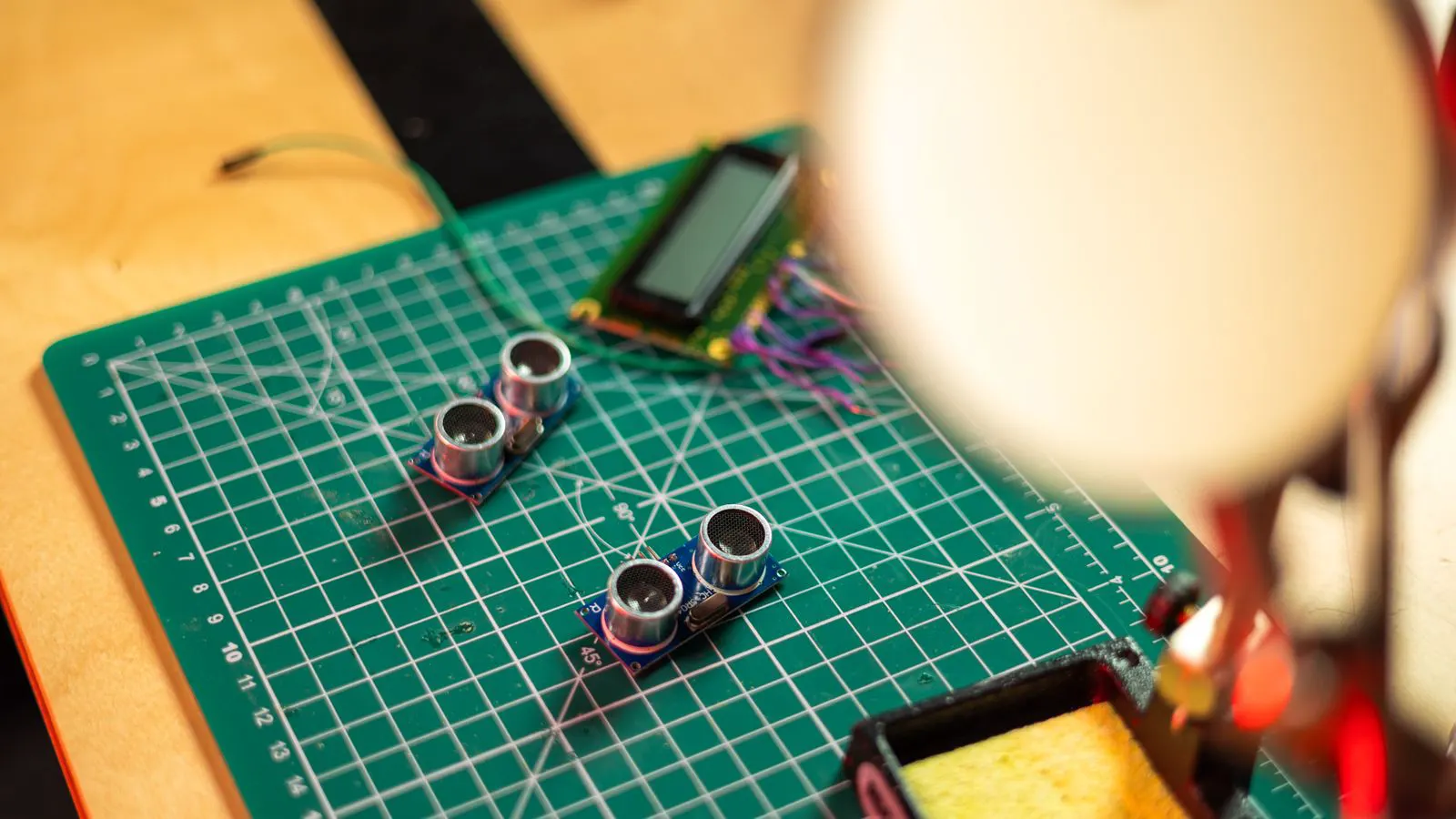
Calibrate palletizer sensors by cleaning lenses, verifying alignment with reference targets, and testing tracking against known pallet dimensions. This procedure ensures accurate detection and prevents stacking errors during end-of-line operation.
- Clean optical sensors and verify electrical connections before any alignment work begins.
- Use a fixed reference target to ensure consistent sensor height and angle across the line.
- Run a full tracking test with standard pallets to confirm tracking accuracy before production.
- Document calibration settings and repeat the check after any pallet change or line adjustment.
- Address common mistakes like misaligned brackets and dirty lenses to avoid repeated recalibration.
Why Pallet Sensor Calibration Matters
Pallet sensors feed the palletizer controller with data on pallet position, height, and orientation. If that data is off, the robot may stack cases incorrectly, drop product, or trigger safety stops. Calibration is not just a maintenance task. It is a setup procedure that protects product, protects the pallet, and protects the throughput of the line.
When sensors drift, the palletizer starts guessing. It may think a pallet is centered when it is not. It may read a lower height than the actual stack. The result is misaligned cases, wasted labor to rework, and potential damage to finished product. Proper calibration removes that guesswork.
Before You Begin: What You Need
Do not start calibration until the line is safe and the pallet area is clear. Lock out the palletizer controller if the procedure requires accessing electrical connections or sensor brackets. Verify that the pallet in the infeed position is a standard size and is clean.
You will need the following:
- A clean, dry microfiber cloth for optical sensors
- A fixed reference target, such as a calibrated gauge block or a marked wooden block
- The palletizer controller manual for your specific model
- A notebook or calibration log sheet
- A torque wrench with the correct socket for sensor brackets
- A level or digital inclinometer, if your sensor uses adjustable tilt
If your system uses multiple sensors for different pallet types, prepare the pallet dimensions for each type. You will need to test tracking against each one. Do not calibrate with mixed pallet sizes in the area, as this confuses the system and makes errors harder to isolate.
Step 1: Clean and Inspect the Sensors
Start with the physical condition of the sensors. Optical pallet sensors use lenses or emitter/receiver pairs. Dust, product residue, or moisture on the surface can block or scatter the signal. Wipe each lens with a dry microfiber cloth. Do not use solvents that can damage the coating.
Inspect the sensor housing for cracks or loose screws. Check the cable connections at the sensor and at the controller terminal. A loose connector can mimic a calibration error by sending intermittent signals. Tighten any loose set screws on the sensor bracket.
Step 2: Verify Sensor Position and Height
Place the reference target at the exact location where the pallet sensor is designed to read. This is usually at the center of the pallet footprint, at a fixed height above the pallet surface. Measure the distance from the target to the sensor lens.
Compare this measurement to the specification in your controller manual. Adjust the sensor bracket using the torque wrench. Do not over-tighten. The bracket must hold the sensor firmly without shifting during operation. If the sensor uses a tilt adjustment, set it to the default angle listed in the manual. A sensor that is too steep or too shallow will read the pallet edge instead of the center.
Step 3: Align the Sensor with the Pallet Path
Pallet sensor alignment depends on the pallet moving in a straight, predictable path. Check the infeed guides and the pallet positioner. If the pallet is not centered in the infeed area, the sensor will always read an offset position, no matter how well the sensor itself is calibrated.
Place a standard pallet in the infeed position. Look at the sensor from the side. The sensor beam or lens should be aimed directly at the center of the pallet. Use the reference target to confirm that the sensor height matches the pallet height. If the pallet is a different height than your reference, adjust the target accordingly. Do not guess the height. Measure it.
Step 4: Run a Static Detection Test
With the pallet in position and the line powered on, enter the calibration mode in the palletizer controller. The exact menu path varies by system. Look for a sensor test or diagnostic screen.
Initiate a static detection test. The controller will read the sensor value with the pallet in place. Record the value. Then remove the pallet and run the test again. Record the empty value. The difference between these two values should match the expected detection threshold. If the values are close together, the sensor is not detecting the pallet correctly. If the values are far apart but the tracking position is wrong, the sensor may be misaligned.
Step 5: Check Tracking Against Known Dimensions
Move to a tracking test. Load a standard pallet with known dimensions. Run a single case placement cycle in the palletizer. After the case is placed, compare the recorded pallet position to the actual position.
Use a tape measure or a laser distance meter to check the distance from the pallet edge to the case edge. The palletizer should place the case at the exact offset programmed in the system. If the case is off by more than the tolerance in your manual, the tracking is off. Adjust the sensor alignment in small increments. Re-run the test after each adjustment. Do not make large changes. Small, controlled adjustments are easier to reverse and less likely to introduce new errors.
Step 6: Test with Multiple Pallet Types
If your line handles more than one pallet size or height, repeat the tracking test with each type. Load a second pallet type in the infeed area. Run the same static detection and tracking test. Record the values.
If the sensor cannot distinguish between the two pallet types, you may need to adjust the detection threshold or the tracking profile in the controller. Some systems use multiple sensors for different pallet types. If so, calibrate each sensor separately. Do not assume that one calibration covers all pallet types. Each type has its own footprint, and the sensor must read that footprint accurately.
Step 7: Verify Safety and Final Performance
Once the tracking test passes for all pallet types, run a full production cycle. Stack a small number of cases, for example ten to twenty. Inspect the stack. Look for cases that are shifted, tilted, or dropped. Check the pallet for any marks or damage.
If the stack looks uniform and the pallet is undamaged, the calibration is complete. If you see errors, go back to Step 2 and re-check the sensor position. A full production cycle reveals errors that a single case test may hide. It also confirms that the sensor holds its alignment under the vibration and movement of the robot.
Common Mistakes to Avoid
| Mistake | Why It Causes Problems | How to Fix It |
|---|---|---|
| Dirty or scratched lens | Blocks or scatters the optical signal, causing false reads | Clean with dry microfiber cloth. Replace lens if scratched. |
| Loose sensor bracket | Sensor shifts during operation, changing the read position | Tighten bracket with torque wrench. Re-check after each pallet change. |
| Pallet not centered in infeed | Sensor reads an offset position regardless of calibration | Adjust infeed guides. Verify pallet position before calibration. |
| Skipping multiple pallet type test | One calibration does not cover all pallet sizes | Run tracking test with each pallet type. Adjust profiles separately. |
| Using incorrect reference target | Sensor height mismatch causes tracking errors | Use a calibrated gauge block or marked block. Measure, do not guess. |
| Not documenting settings | Calibration is lost after the next shift or maintenance | Record sensor values, bracket torque, and tracking offsets in a log. |
Final Verification Step
After calibration, run a short production batch. Inspect the stack for alignment and stability. Compare the pallet position readouts in the controller to physical measurements on the floor. If the values match and the stack is uniform, the calibration is good.
Record the final sensor values, the reference target used, the torque settings, and the date in your calibration log. This log is your reference for the next check. If the line experiences a new error, the log tells you what the last known good state was. That saves time. It also helps you identify whether the error is a drift or a change in the line setup.
Calibration is a short procedure when done right. It takes less time than troubleshooting a stacking error or reworking a damaged pallet. Treat it as a setup step, not an afterthought. Keep the sensors clean. Keep the brackets tight. Keep the reference target accurate. The palletizer will stack cleaner, run faster, and cause less wear on the product and the pallet.
Frequently asked questions
How often should I calibrate palletizer sensors?
Calibrate after any pallet change, after a line adjustment, and on a scheduled maintenance interval. If you see stacking errors, recalibrate immediately.
Can I calibrate sensors while the line is running?
No. Lock out the palletizer controller and clear the pallet area before touching sensor brackets or electrical connections.
What is a reference target and why do I need one?
A reference target is a fixed object with known dimensions used to verify sensor height and alignment. It removes guesswork from the calibration process.
What if the sensor cannot detect the pallet at all?
Check the lens for dirt or damage. Verify the electrical connection. Confirm the sensor is powered and the controller is in the correct mode. If the issue persists, the sensor may need replacement.
How do I know if my calibration is good?
Run a tracking test with known pallet dimensions. If the case placement matches the programmed offset within the manual tolerance and the stack is uniform, the calibration is good.